(044) 222 33 33


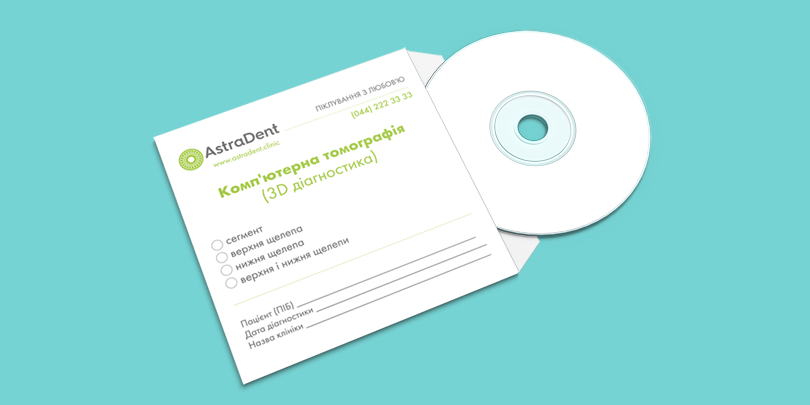

How to open 3D scans on a computer
 153
153
Discs with a record of the computer tomography of teeth can be opened only on personal computers and laptops with the Windows operating system.
To open such a disk in the MAC OS it is necessary to use the Windows MAC OS emulator.
The algorithm of opening the disk in Windows is the following:
Instructions on “How to open 3D diagnostics on a computer”
1. Insert the disk into the drive of your PC.
2. After the installation into the CD-ROM drive, as a rule, it starts automatically. If this does not happen, you can start the installation by running Setup.exe in the root directory of the CD.
Please note that CDs with CT contain not only the picture itself in 3D format but also a special startup program that will open it. In this case, it’s GalileosViewer.
3. For the further installation, the installation wizard automatically selects the desired configuration.
4. After the installation, you need to run the GalileosViewer program and open your snapshot.
If these steps have not brought the desired result, then probably a problem is in the absence of a special program – NET 2.0 Runtime Libraries on your PC.
To install it, you need to go to the DotNet20 folder and run the dotnetfx.exe file
And then go back to step 1.
Please note that you must have an administrator account to run all these actions, often on home computers, it is by default.
These tips will help you to open the disc on your personal computer. In case you cannot open the disc, please contact the clinic where you received it. It may have been damaged and a copy will be made for you. For your convenience, you can also call the contact center by 044-222-33-33 and get a CT in the cloud service. We remind you that the validity term of CT is 1 month for current treatment. Later CT is used to monitor the treatment BEFORE and AFTER.


- 0


Get a free consultation
-
 Open daily from 9 AM to 9 PM
 -
 No days off
 -
 Always powered
Other posts
all
-

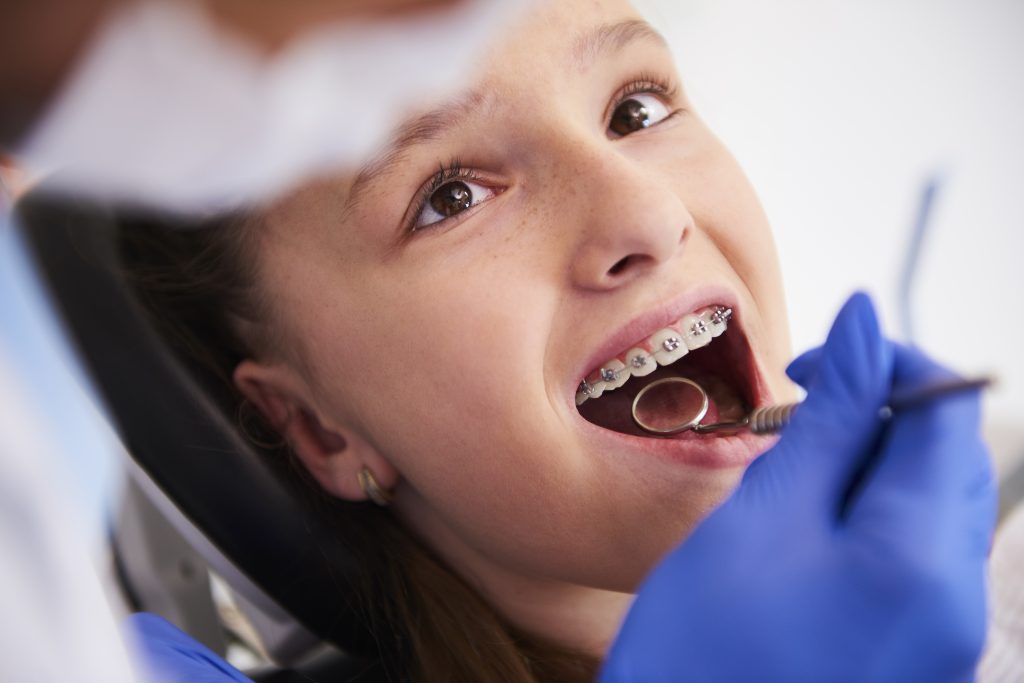 Guidelines for fixed orthodontic appliances
13/07/2026
83 -
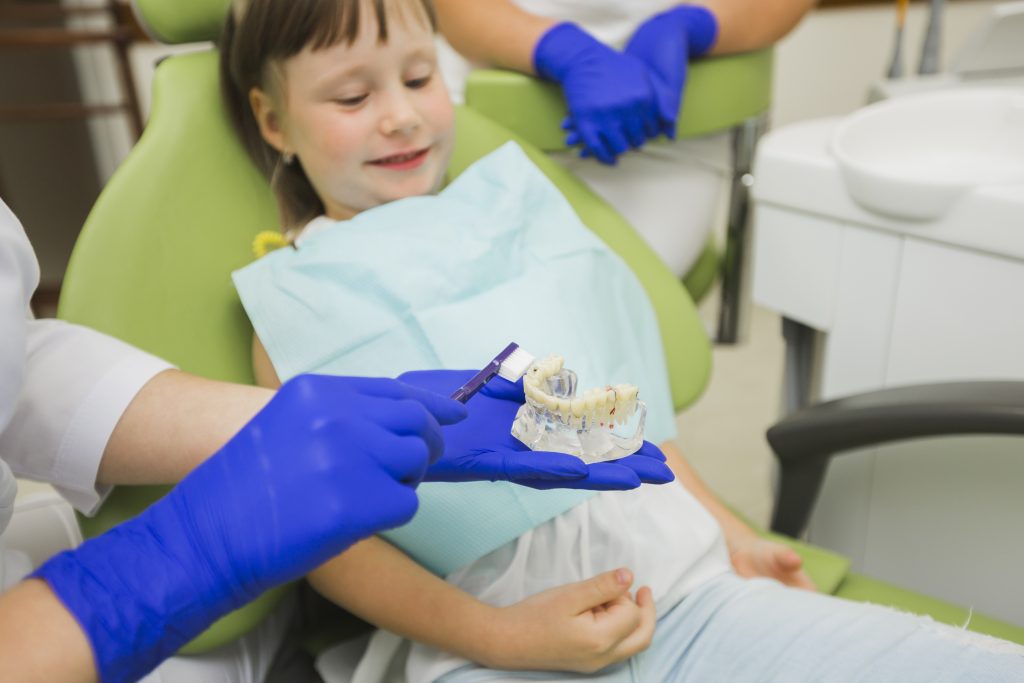 Guidelines for removable orthodontic plates
13/07/2026
90 -
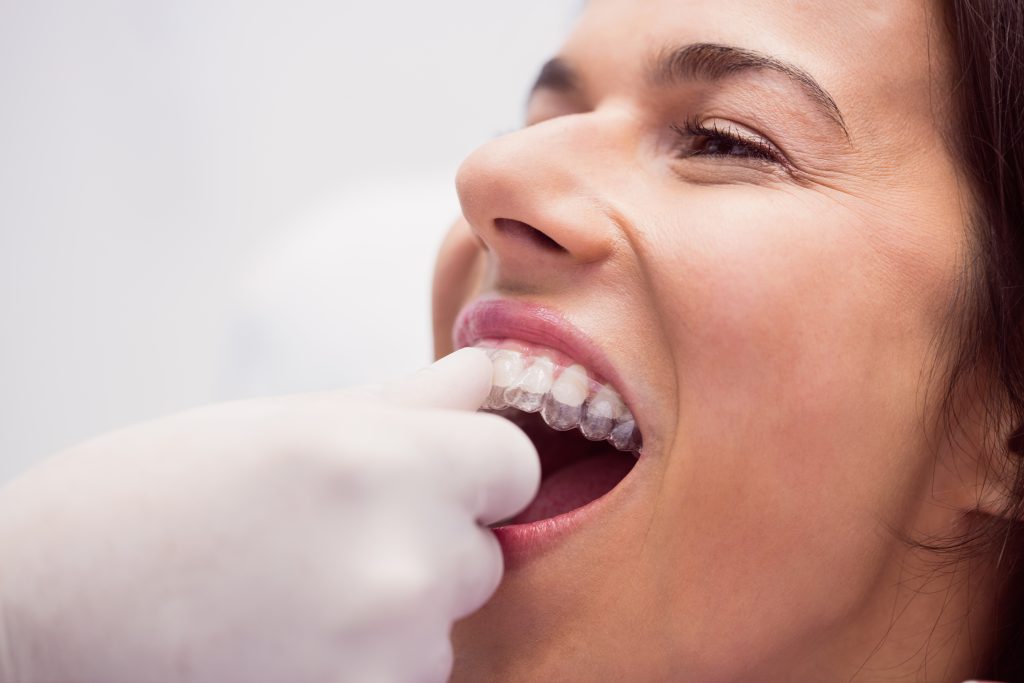 Recommendations for the care and use of a retainer
10/07/2026
89 -
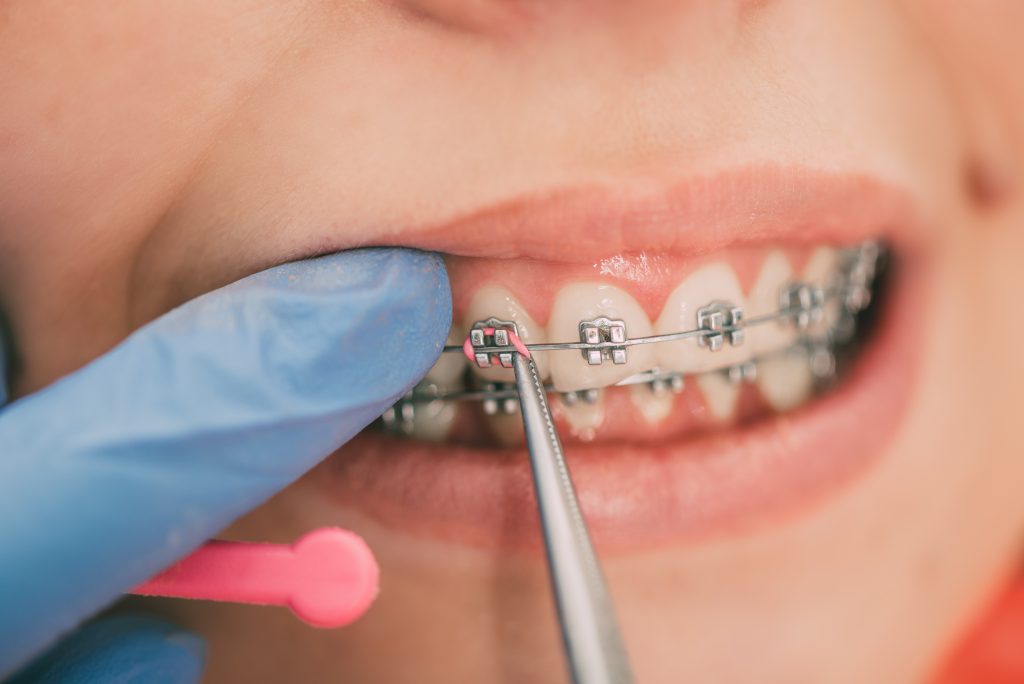 Guidance during treatment with braces
10/07/2026
85 -
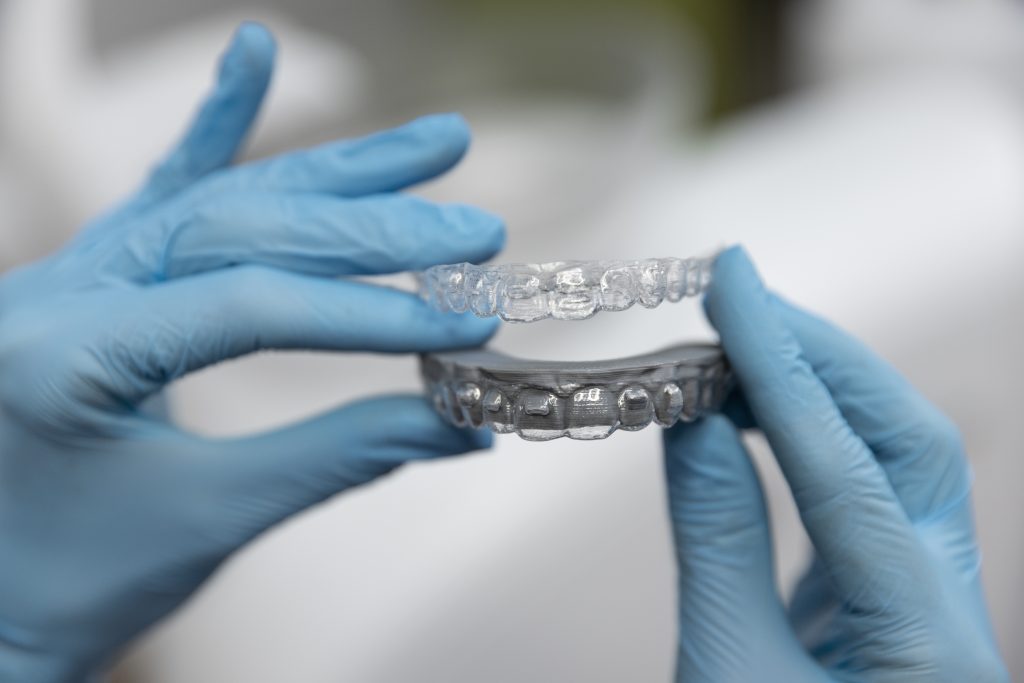 Guidelines on the use of aligners
10/07/2026
80 -
 Choosing dental Implants
20/05/2026
127
Need a consultation?

Book a free consultation
Please submit your phone number, and we'll contact you to schedule a convenient time for your visit
Natali
Coordinator
 info@astradent.ua